
9 units
English & Spanish
Unit 1
The Game Industry
Students transition from foundational game development into professional game design thinking. The focus is not on building features, but on understanding responsibility, structure, and intent behind modern games.
Objectives
Understand ethics, monetization, and rating systems
Explore accessibility and player experience
Learn Unreal Engine game and player flow architecture
Set up a professional portfolio


Unit 2
Production Management in a Team
This unit shifts the focus from individual development to collaborative team production. Students will learn about the structure of a typical game studio, understanding the specialized roles and responsibilities involved in creating a title.
Objectives
Identify key game dev roles and their responsibilities
Apply common production methods (Agile, Waterfall)
Use structured brainstorming to generate game ideas
Create core pre-production docs (storyboard, setting, characters)
Understand the full pipeline from concept to vertical slice
Unit 3
Core Gameplay Systems
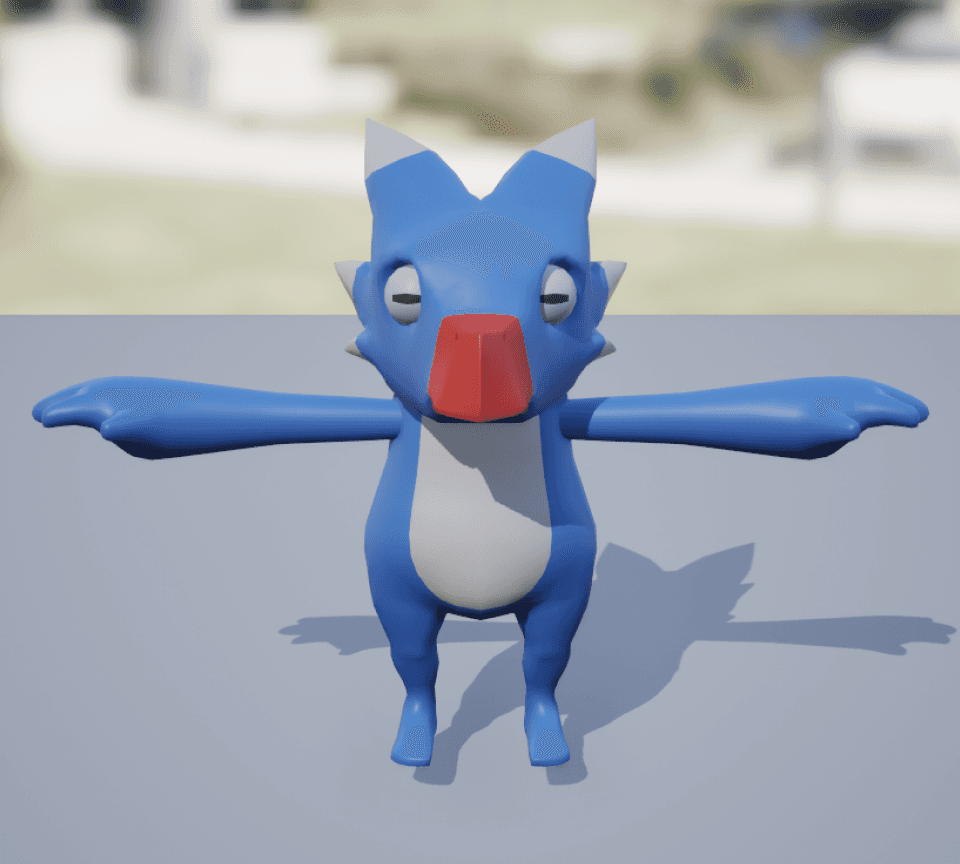
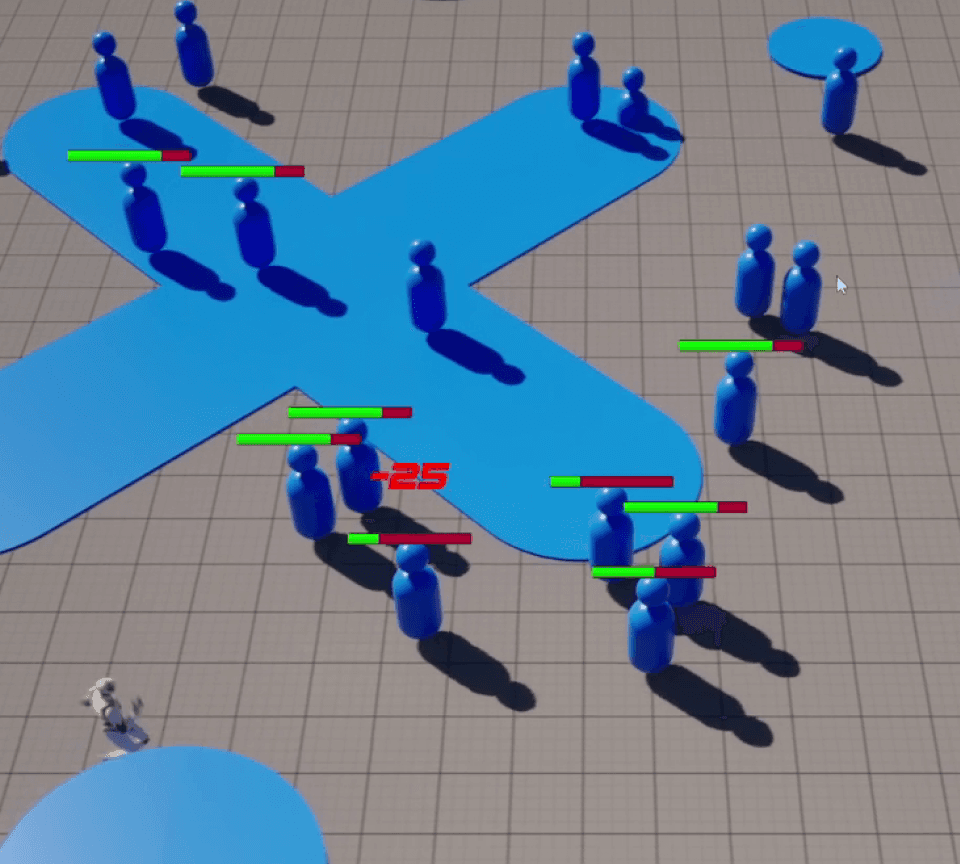
Students apply their pre-production and prior blueprinting knowledge to rapidly develop a Twin-Stick Action game using Unreal Engine.
Objectives
Analyze twin-stick games to identify core mechanics
Navigate Unreal project dependencies (Character, Enemy, Input)
Apply player variables (Health, Fire Rate, Speed)
Build a modular Health Component across actors
Connect gameplay data to UI (health bars, fonts)
Implement invulnerability with timers and state logic
Document systems with screenshots and explanations
Unit 4
Combat Systems and Progression
Students move beyond placeholder assets to develop a professional-grade character and combat framework. The focus is twofold: Animation Architecture and Systemic Progression.
Objectives
Select compatible skeletal meshes for gameplay and animation
Set up animation slots and layered blends (upper/lower body)
Trigger combat states using dispatchers and health logic
Use parent/child classes for a modular equipment system
Attach meshes via sockets and manage collision settings
Build an XP system using overlap and event tracking
Create a level-up UI that pauses play and updates stats
Unit 5
Advanced Level Design & Landscapes
Students start building a detailed level of their own. In this unit, they’re introduced to tools like the Landmass Plugin for non-destructive terrain sculpting and the Foliage Tool for adding rich environmental detail.
Objectives
Map player paths using environmental cues
Sculpt terrain (mountains, craters, valleys) non-destructively
Create and paint a master landscape material
Optimize foliage settings (density, scale, collision, rotation)
Populate environments with realistic foliage at scale
Guide players using affordance-based design
Implement core systems (pickups, NavMesh, destructibles)
Unit 6
AI Logic
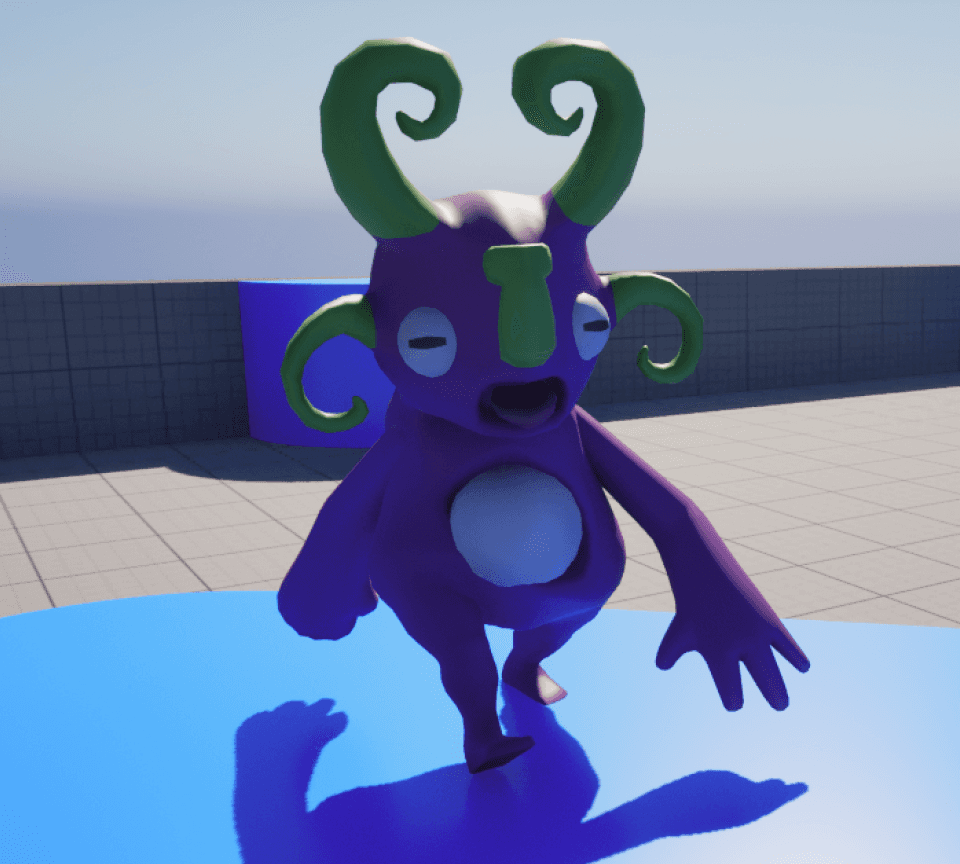
Introduces students to the core concepts of object-oriented programming within Unreal Engine Blueprints, specifically Inheritance. Students will refactor their single enemy into a foundational Enemy Base Class and then create specialized child classes.
Objectives
Use inheritance to build scalable enemy blueprints
Create AI states (Idle, Patrol, Chase, Attack)
Extend base enemies with custom child classes
Define patrol routes using arrays and vectors
Combine movement and combat for advanced AI
Build a spawner system to manage enemy density
Unit 7
Aesthetics and Juicing
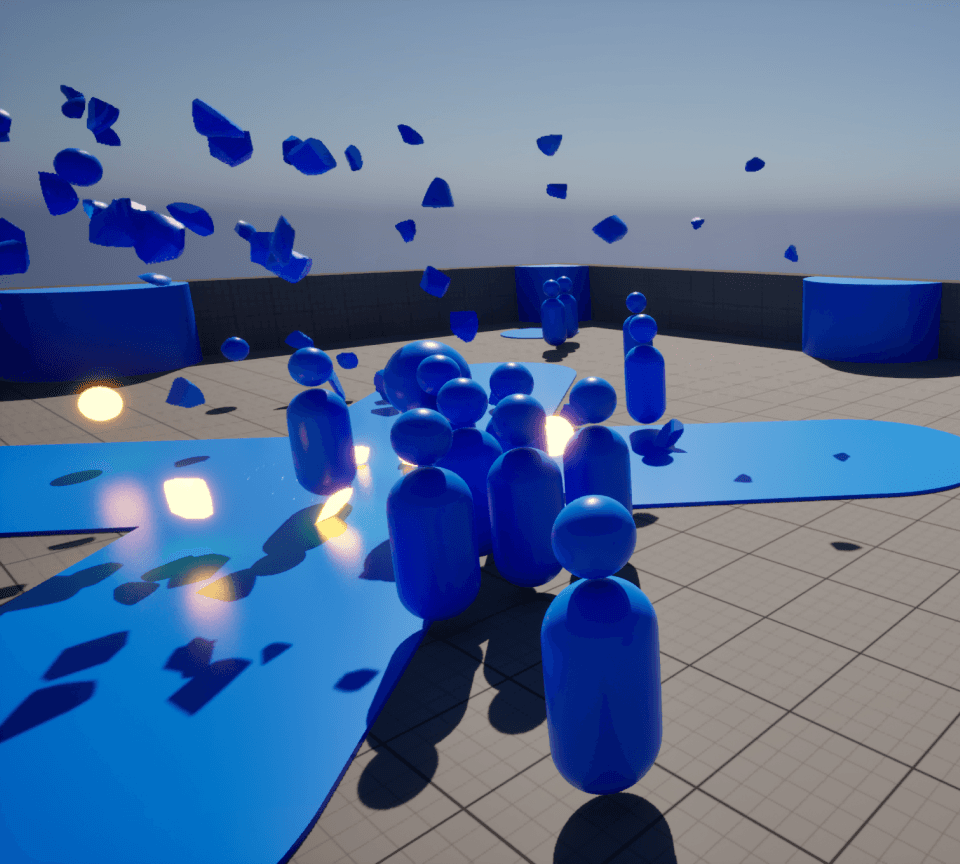
Students master the art of "Juice" - the layer of synchronized visual, auditory, and physical feedback that makes a game feel responsive and satisfying to play. Students will perform a deep dive into the Unreal Engine Material Editor and Niagara Particle System to create high-fidelity PBR (Physically Based Rendering) surfaces and explosive combat effects.
Objectives
Use sensory feedback (screen shake, hit stop, haptics) to improve game feel
Compare and implement projectile vs. hitscan hit detection
Create PBR materials with core texture maps
Build custom VFX in Niagara for projectiles and explosions
Design varied audio systems with MetaSounds

Unit 8
Level Progression and Replayability
Students evolve their game from a single-stage prototype into a multi-level experience centered on player growth and systemic variety. Students will architect a Progression Flow Chart to balance difficulty and accessibility, ensuring a fair but challenging Power Curve.
Objectives
Map difficulty using a clear progression (power curve)
Persist player data across levels with Game Instance
Build reusable event blueprints for dynamic encounters
Create weighted systems for randomized rewards
Generate enemy variants from a shared base class
Track gameplay data via Player State and Game State
Design a clear, readable end-game score screen
Document playtests and iterate on game feel
Unit 9
Marketing and Postmortem
Students shift focus from development to presentation and critical evaluation. They explore the commercial aspects of the game industry, including distribution platforms and marketing strategies. The core goal is to generate professional marketing assets (trailer, logline, blurb) and conduct a comprehensive Postmortem analysis of their twin-stick game project.
Objectives
Compare major distribution and marketing channels
Write a clear, compelling logline and store description
Create a polished gameplay trailer (video, audio, overlays)
Conduct a postmortem on successes and challenges
Build a portfolio showcasing the full production cycle


Unreal Engine 5.1 or greater available for free via the Epic Games launcher
Windows: Visual Studio 2022 (with C++ toolchain) for C++ projects and compilation support.
macOS: Xcode (latest compatible version) if targeting iOS/macOS builds.
Offline access with Unreal Engine
For schools with strict IT security, we provide an Unreal Engine Offline Installer designed for education. Your IT team keeps full control in an offline environment, while students still access industry-grade game development tools. Our team will guide you from setup to deployment, ensuring all assets and curriculum are ready for classroom use.