High school elective exploring careers in gaming

Careers in Gaming is a project-based course with hands-on lessons where students explore careers such as game design, video editing, streaming, and cybersecurity.

High school elective exploring careers in gaming

Careers in Gaming is a project-based course with hands-on lessons where students explore careers such as game design, video editing, streaming, and cybersecurity.

High school elective exploring careers in gaming

Careers in Gaming is a project-based course with hands-on lessons where students explore careers such as game design, video editing, streaming, and cybersecurity.

Course outline

Exploring careers in the video game ecosystem.

Course outline

Exploring careers in the video game ecosystem.

Course outline

Exploring careers in the video game ecosystem.

7 units

50 lessons

English & Spanish

Unit 1 · 4 Lessons

  1. Course Introduction & History of Gaming

The history of gaming and how the industry has evolved from its early days to the modern era. Students engage in hands-on activities and gameplay to deepen their understanding of major milestones and their impact on today’s industry.

Objectives

  • Understand course pacing and structure

  • Create class code of conduct

  • Explore the history of gaming

  • Compare vintage games with modern games

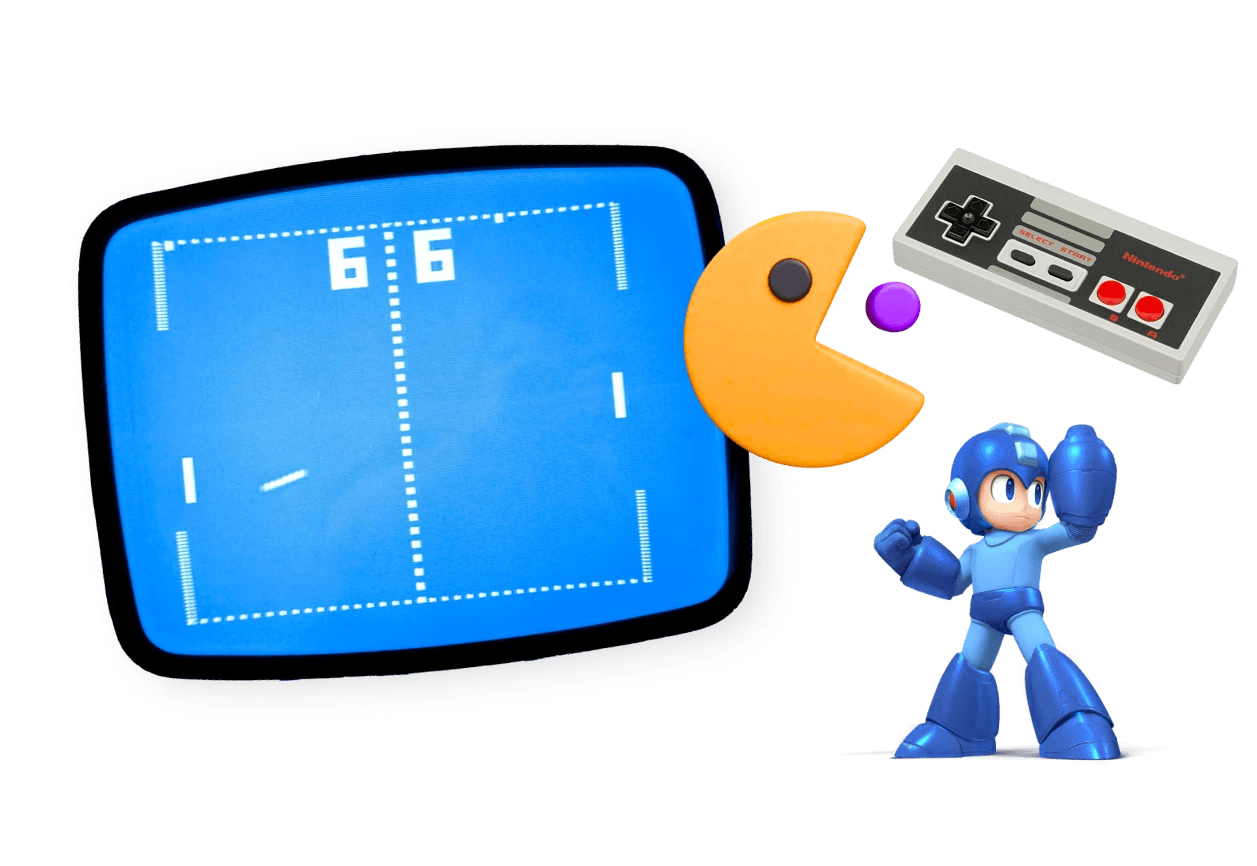
The image is a playful collage of retro video game elements. On the left, a vintage screen displays a classic Pong-style game with paddles and a ball, showing a score of 6–6. To the right of the screen is a Pac-Man–like character about to eat a small purple dot. Above it is a classic Nintendo-style controller, and below stands a cartoon-style blue robot character resembling Mega Man with one arm raised.  The overall image references classic arcade and early console gaming, combining recognizable icons from different eras of video game history.
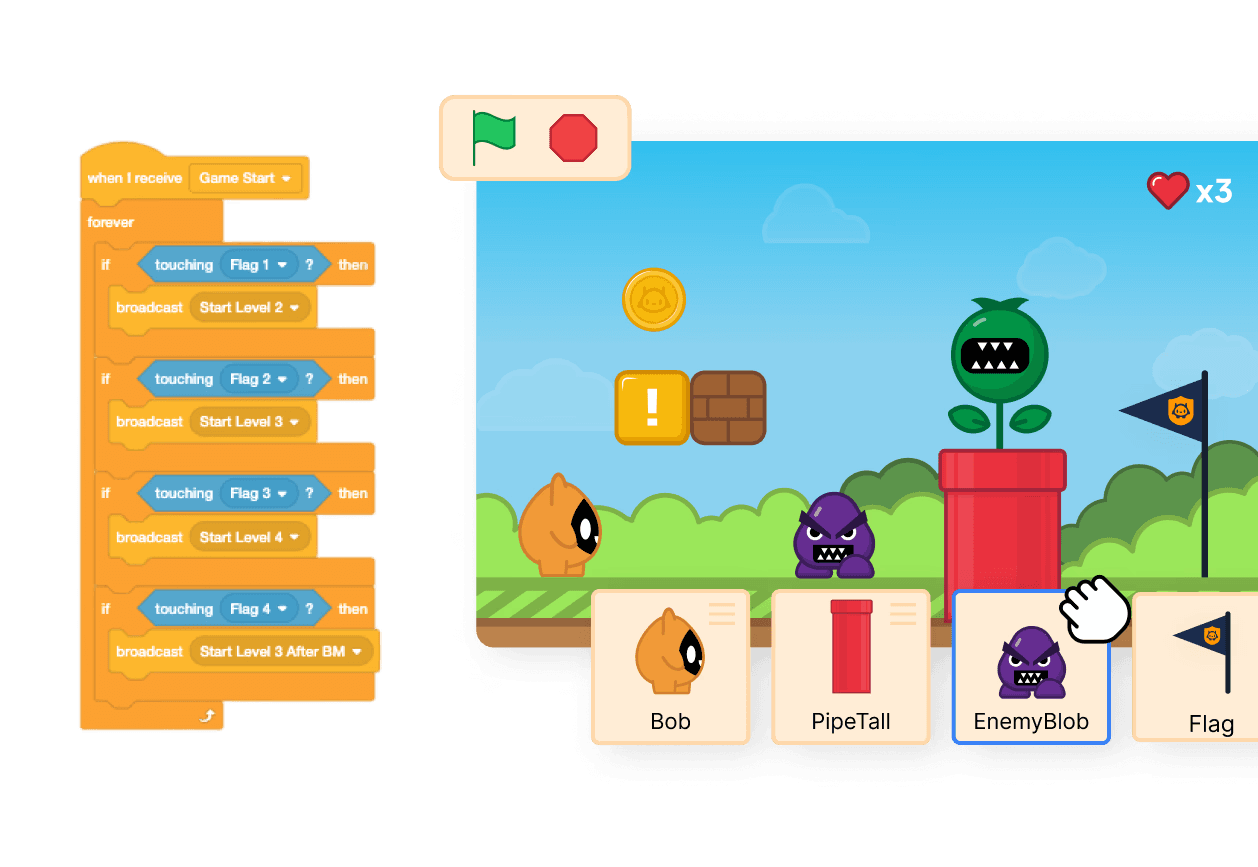
The image shows a visual game-development interface using block-based coding, similar to tools like Scratch.  On the left side, there are stacked coding blocks with logic such as “when I receive Game Start,” “forever,” and conditional statements like “if touching Flag… then broadcast Start Level.” These blocks represent the program logic that controls how the game behaves.  On the right side, a colorful 2D platform-style game scene is displayed. A small character stands on the ground near coins, blocks, enemies, and a large pipe with a plant. At the bottom are labeled game objects or sprites such as Bob (the player character), PipeTall, EnemyBlob, and Flag. The interface suggests these elements can be selected and programmed.  Overall, the image illustrates learning or creating a video game using visual programming, where logic blocks control how characters and objects behave in the game world.

Unit 2 · 10 Lessons

  1. Basic Game Design Using Scratch

Build a functioning game from scratch. Students learn fundamental game design principles such as character movement, collision detection, level design, animations, and player immersion.

Objectives

  • Learn block-based programming

  • Design assets and levels

  • Develop gameplay mechanics

  • Playtest and give feedback

  • Debug and iterate

Unit 3 · 10 Lessons

  1. Basic Game Design Using Unreal Engine

Build a simple parkour game in Unreal Engine. Students learn how to add dangerous objects, add materials and textures, import assets, create moving objects with animations, and add a user interface.

Objectives

  • Design a parkour level

  • Practice blueprint scripting

  • Import and use assets

  • Animate using the sequencer

  • Collect feedback and iterate

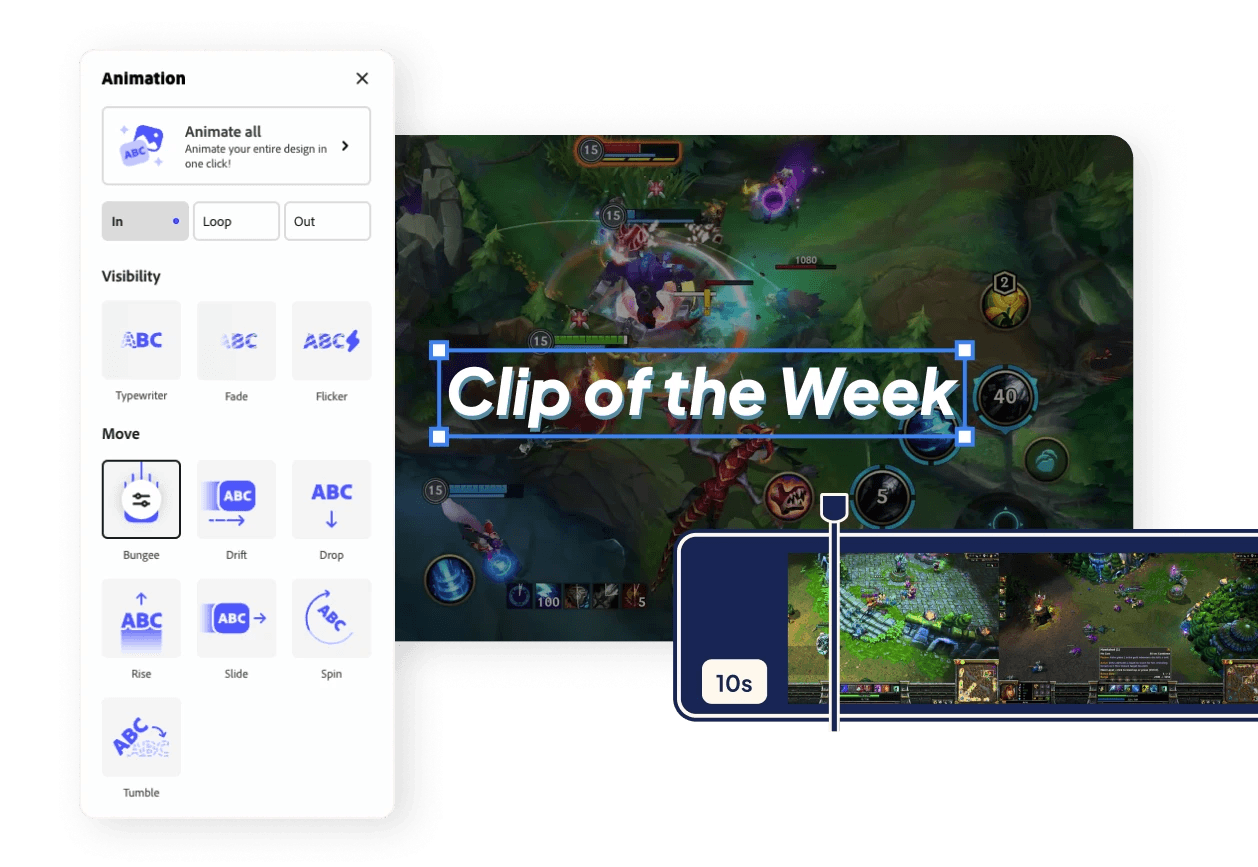
The image shows a video editing interface used to create animated text overlays for a gaming clip.  In the center, a gameplay scene is displayed with large text reading “Clip of the Week” placed over the video. The text is selected, showing resize handles around it.  On the left side, there is an Animation panel with options for adding motion effects to the text.

Unit 4 · 9 Lessons

  1. Video Editing

Through techniques such as game recording, voiceover narration, overlay usage, and more, students gain hands-on experience with essential video production skills.

Objectives

  • Write scripts and record voiceovers

  • Record gameplay footage

  • Create overlays and visual effects

  • Integrate sound and music

Unit 5 · 9 Lessons

  1. Streaming & Influencing

Learn the essentials of streaming and influencing in the gaming world. Students set up and run their own gaming streams, and develop soft skills such as public speaking, audience engagement, and teamwork.

Objectives

  • Use software to record stream

  • Set up hardware like mic, camera and lights

  • Add overlays and transitions

  • Interact with and engage audience

  • Perform live stream

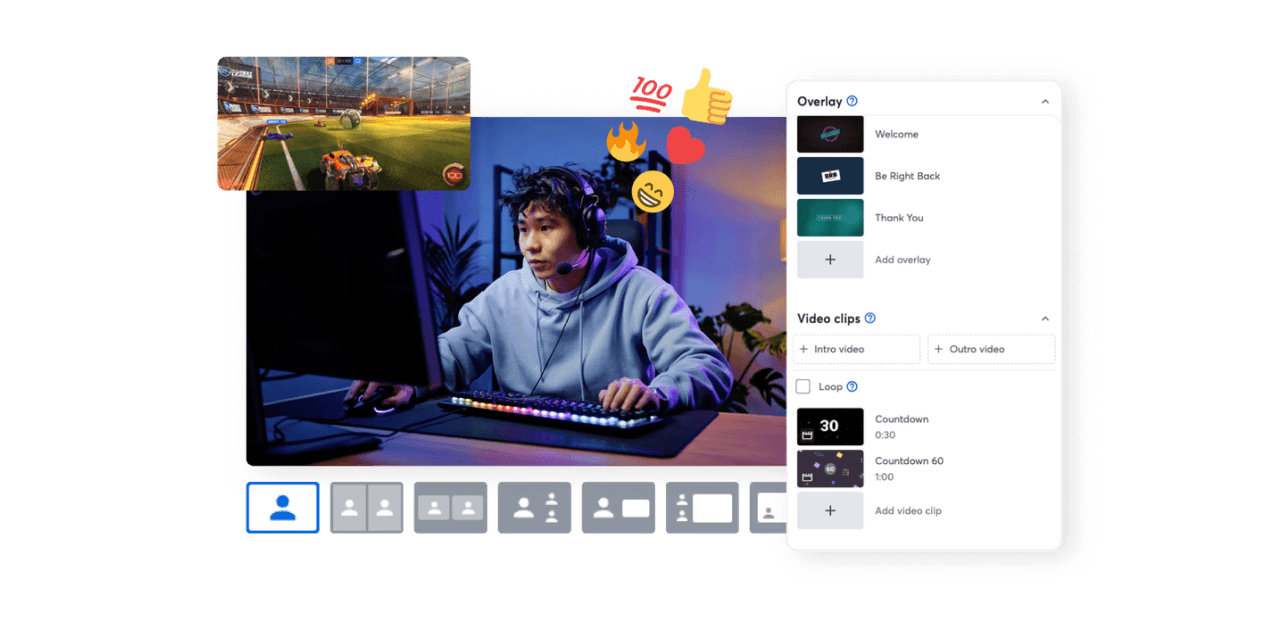
The image shows a live streaming setup and interface for a gaming broadcast.  At the center, a person wearing a headset is sitting at a computer and playing a video game while streaming. On the top left, a small window shows gameplay footage from a car soccer-style game (similar to Rocket League). Above the streamer are reaction icons such as likes, fire, hearts, and emoji, representing viewer engagement during the stream.  On the right side, a streaming control panel is visible.
The image depicts a cybersecurity monitoring and investigation scenario.  On the left, a chart titled “Network Traffic Over Time” shows two lines representing activity from different IP addresses. One line rises sharply and is labeled “Suspicious,” suggesting unusual or potentially malicious traffic. A red warning triangle icon reinforces that an alert has been triggered.  On the right, a laptop screen displays a log report. A magnifying glass zooms in on text describing a file download activity from an external IP address and notes that the file contains private player data, indicating a possible security incident or data breach.

Unit 6 · 10 Lessons

  1. Digital Forensics

Students play the role of cybersecurity experts to solve a high-stakes cybercrime mystery in the world of esports. Each lesson contains new cybersecurity concepts that are necessary to interpret clues to resolve the case.

Objectives

  • Learn how to use digital forensics tools

  • Identify phishing attempts and malware

  • Collect evidence from cyberattack

  • Implement security protocols

  • Defend agains cyberattack in real time

Capstone Project · 7 Lessons

  1. Project Extension

Expand on a previous project in the course or create a new artifact that aligns with their chosen path. The students add their work into a digital portfolio, create a professional resume, and reflect on their career goals.

Objectives

  • Choose a specific career path to focus on

  • Create a digital portfolio

  • Develop a professional CV

  • Reflect on career goals

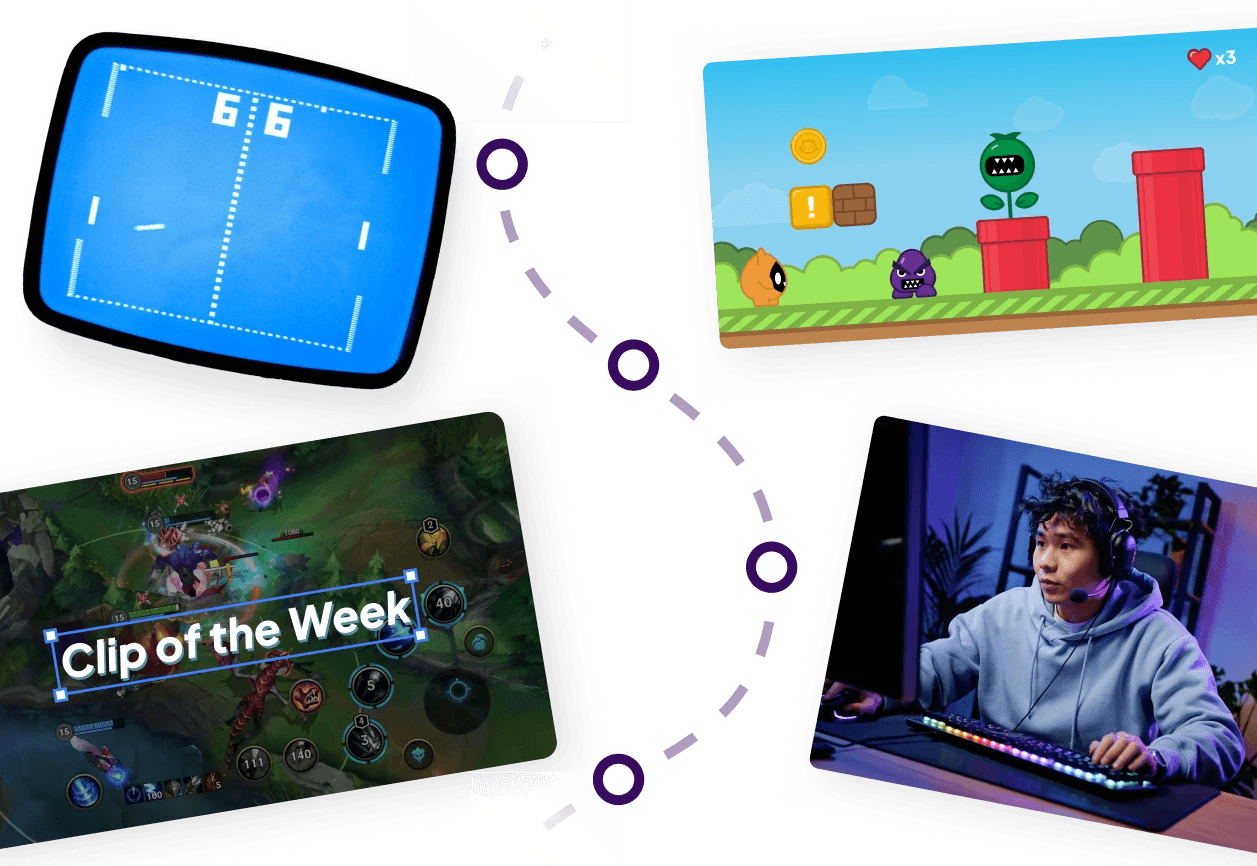
A visual collage illustrating the ecosystem of gaming and game creation.
Download full course outline

Fill in your email and receive the full outline, for free.

Download full course outline

Fill in your email and receive the full outline, for free.

Download full course outline

Fill in your email and receive the full outline, for free.

Offline access with Scratch

The Scratch Offline Editor provides a safe and distraction-free coding environment. Unlike the online version, it blocks access to public projects, keeping students focused. On Chromebooks, the app-based editor from the Google Play Store delivers the same benefit. The editor is free to install and simple to use.

Devices

Devices

Devices

PC

Mac

Chromebook

See how this course can be used in your district or school

Flexible, scalable, and made to fit. Let’s show you how.

15-30 min

Online meeting

See how this course can be used in your district or school

Flexible, scalable, and made to fit. Let’s show you how.

15-30 min

Online meeting

See how this course can be used in your district or school

Flexible, scalable, and made to fit. Let’s show you how.

15-30 min

Online meeting