
7 units
78 lessons
English & Spanish
Unit 1 · 7 Lessons
Exploring the Media Industry
Students explore how the media industry operates and the careers behind the content they engage with every day. They examine professional roles and expectations, responsible media creation, copyright, equipment safety, and industry-standard production tools. Students also begin building a digital portfolio that will document their work, skills, and growth throughout the course.
Objectives
Explore careers across the media industry
Understand how production teams work together
Use visual storytelling to communicate ideas
Apply ethical practices and respect copyright
Handle production equipment safely
Identify common media-production tools
Set up a digital portfolio


Unit 2 · 9 Lessons
Planning Your Project
Students step into professional production roles and work as a team to respond to an authentic client brief. Each team develops an original video concept, such as a game or technology review, tutorial, or short documentary, designed for a specific audience and purpose. Through research, scriptwriting, feedback, and revision, students turn their ideas into polished, production-ready plans.
Objectives
Interpret and respond to a client brief
Research examples that inform creative decisions
Choose an appropriate format for the intended audience
Use narrative techniques to strengthen a concept
Develop a script with a clear structure
Give and apply constructive feedback
Document pre-production work in a digital portfolio
Unit 3 · 15 Lessons
Media Analysis & Visual Planning
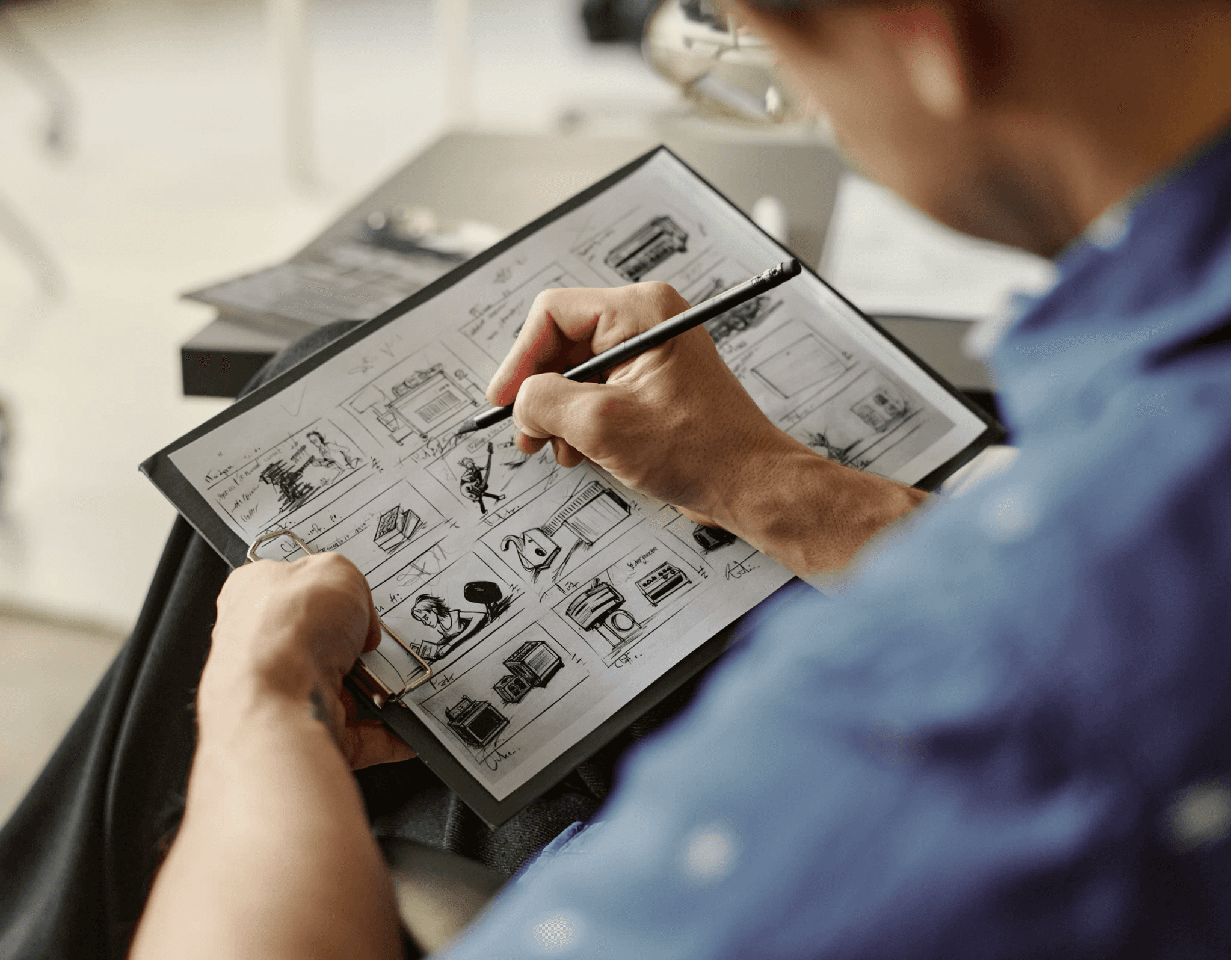
Students investigate how visual choices shape meaning, influence emotion, and guide audience response. After analyzing professional examples, they establish the look and feel of their own productions through intentional choices in color, composition, framing, typography, and imagery. They bring these decisions together in a visual style guide and detailed storyboard that will guide filming, editing, and post-production.
Objectives
Analyze how visual language communicates meaning
Recognize genre conventions and audience expectations
Use color intentionally in media projects
Interpret signs, symbols, and visual metaphors
Define the tone and visual style of a production
Create a reference board and visual moodboard
Develop a visual style guide
Map visual choices to key moments in a script
Refine planning materials through peer feedback

Unit 4 · 9 Lessons
Visual & Audio Foundations
Students transform their creative vision into a practical plan for production. They explore how framing, shot selection, and camera movement shape the viewer’s experience, then plan how lighting and sound will support the mood and purpose of each scene. By the end of the unit, each team has a complete storyboard and a clear roadmap for filming.
Objectives
Choose shots that support the purpose of a scene
Plan intentional camera movement
Account for lighting before filming
Evaluate locations for audio quality
Translate visual style into specific shot choices
Build a clear and practical storyboard
Review production plans for potential problems
Revise storyboards using feedback
Unit 5 · 13 Lessons
Production Techniques
Students bring their production plans to life as they take on professional crew roles, set up equipment, rehearse, and film their projects. Teams capture primary footage and supporting B-roll, review their work for technical and creative quality, troubleshoot problems, and reshoot when needed. They conclude production by organizing their files, accounting for equipment, and completing a professional production wrap.
Objectives
Follow a professional on-set workflow
Handle cameras and production equipment correctly
Use framing and movement to support the story
Set up lighting for clarity and mood
Capture clear audio on set
Assign roles and communicate as a production team
Record primary footage and supporting B-roll
Identify and resolve production problems
Complete reshoots and production wrap procedures
Document the production process in a digital portfolio

Unit 6 · 14 Lessons
Editing with Premiere
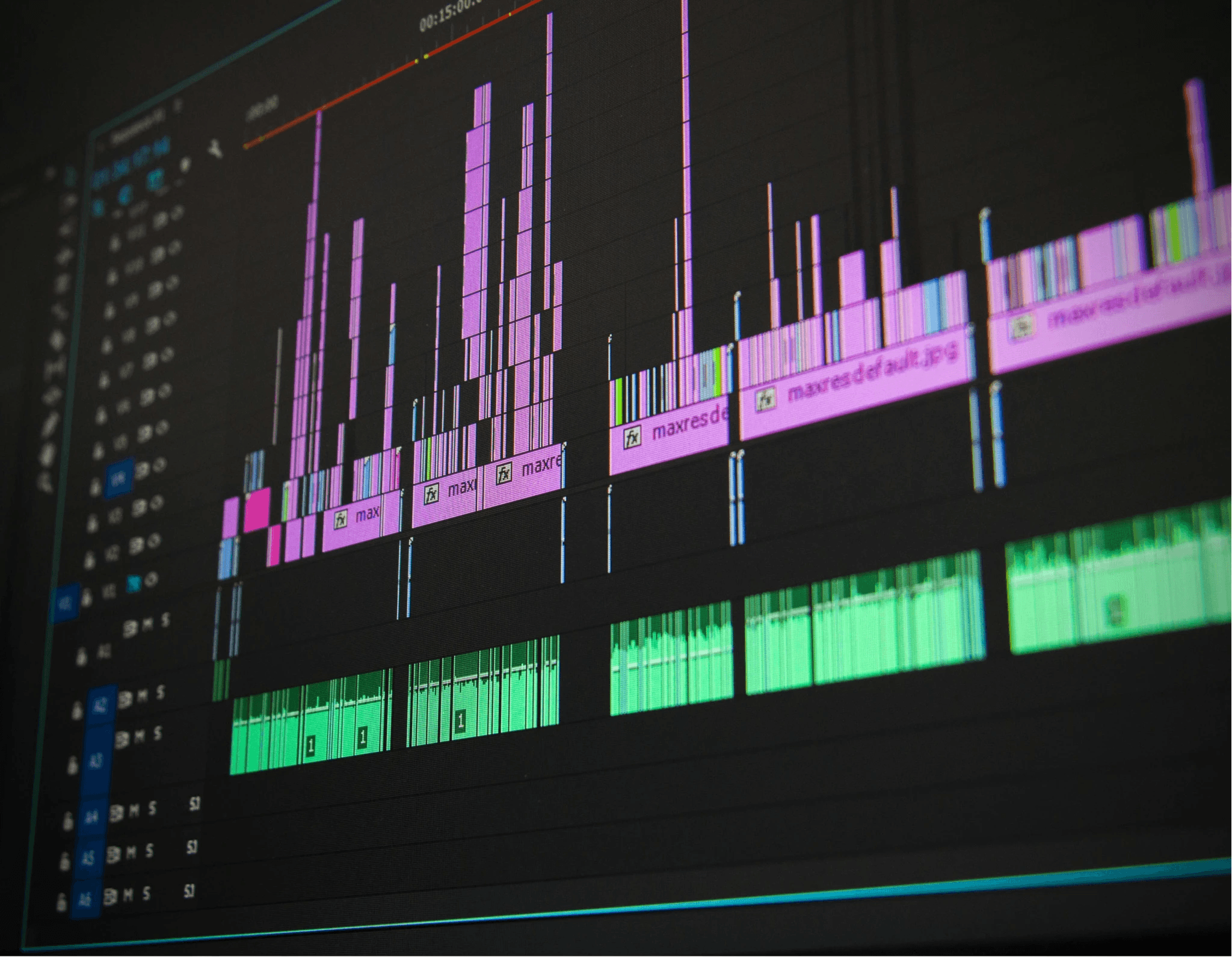
Students transform raw footage into a polished story using Adobe Premiere Pro. They organize their media, assemble a rough cut, and use B-roll to strengthen clarity, pacing, and audience engagement. Through purposeful editing, students refine sound, graphics, transitions, and color before reviewing, revising, and exporting a finished video.
Objectives
Organize and manage digital production assets
Import footage into Adobe Premiere Pro
Edit clips to create a clear and engaging sequence
Use B-roll to support the main story
Create titles and graphics
Apply visual effects and transitions purposefully
Integrate voiceovers, music, and sound effects
Use color correction to improve visual consistency
Polish and export a finished video
Add the completed production to a digital portfolio
Unit 7 · 11 Lessons
Career Preparation
Students prepare their work for audiences beyond the classroom by completing a professional online portfolio that showcases their final production, technical abilities, and creative process. They develop a resume and personal brand while preparing for the Adobe Premiere Pro certification exam. The course concludes with a portfolio showcase and reflection on future educational and career opportunities across media production and related creative industries.
Objectives
Use peer feedback to strengthen professional materials
Polish and organize a digital portfolio
Present completed work to an audience
Prepare for Adobe Premiere Pro certification
Reflect on creative and technical growth
Identify next steps in the Media Production Pathway

PC
Mac
The course is taught using Adobe Premiere Pro and prepares students for the Adobe Certified Professional exam, but comparable video-editing software may also be used to complete the course projects.